The Four-Eyes Principle – Internal Control & Workflows
The Four-Eyes Principle (Dual Authorization / Segregation of Duties) is a key security mechanism in Winvoice designed to prevent unauthorized disbursements and bolster internal financial controls. It ensures that no invoice can proceed to final accounting without having been reviewed and approved by at least two distinct individuals.
1. How the Four-Eyes Principle Works
When enabled for an organization, the system automatically evaluates the count of unique approvers throughout the invoice lifecycle:
- Two or More Approvers: If an invoice has already been approved by at least two distinct individuals within the standard approval route, it advances directly to final review or export.
- Fewer Than Two Approvers: If an invoice has only been approved by a single person (or if the same user handled multiple steps), the invoice is automatically intercepted. It is redirected to a designated Four-Eyes User Group for a mandatory second approval before final posting is permitted.
2. Enabling and Configuring the Four-Eyes Principle
This setting is managed per company by an authorized administrator:
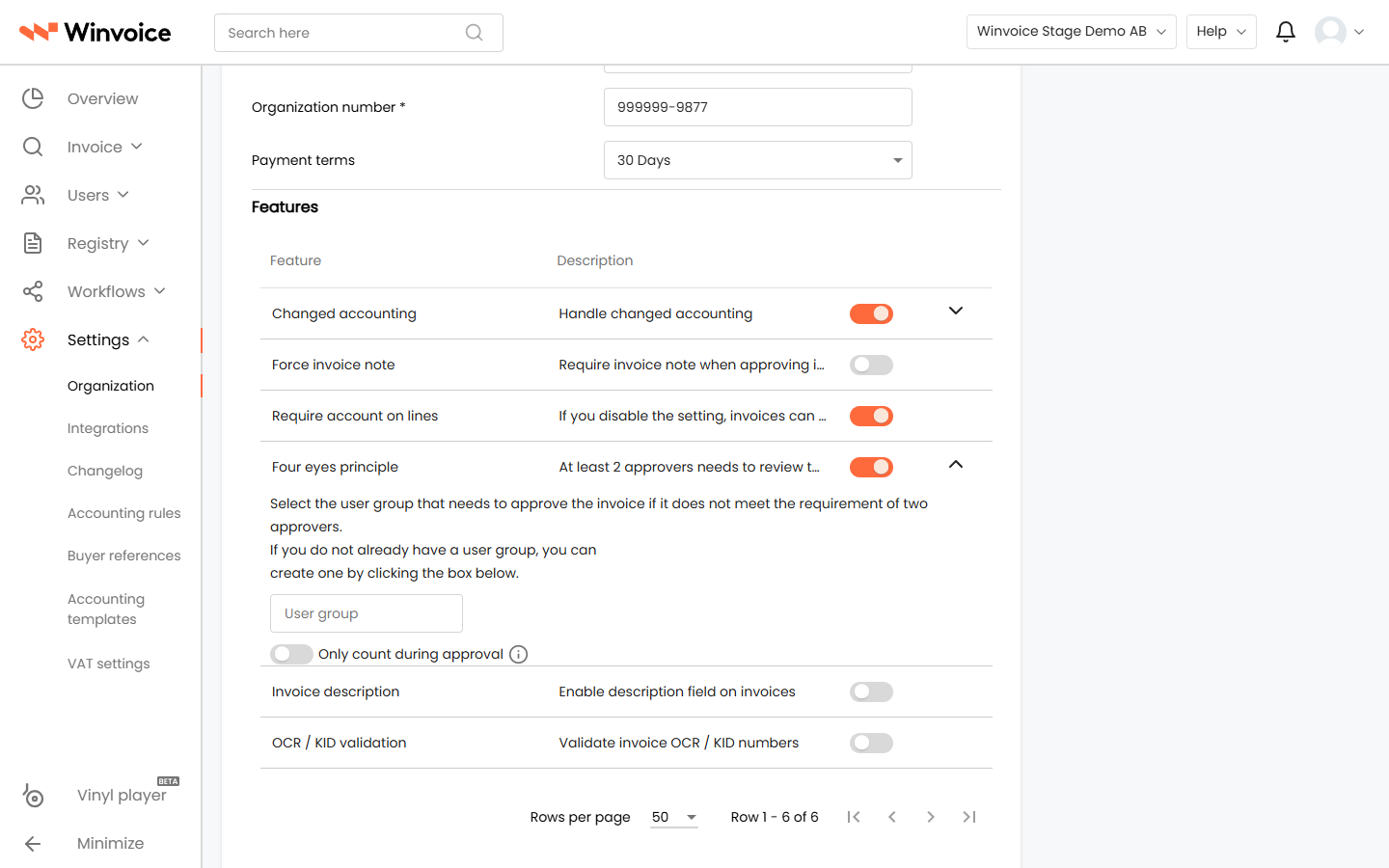
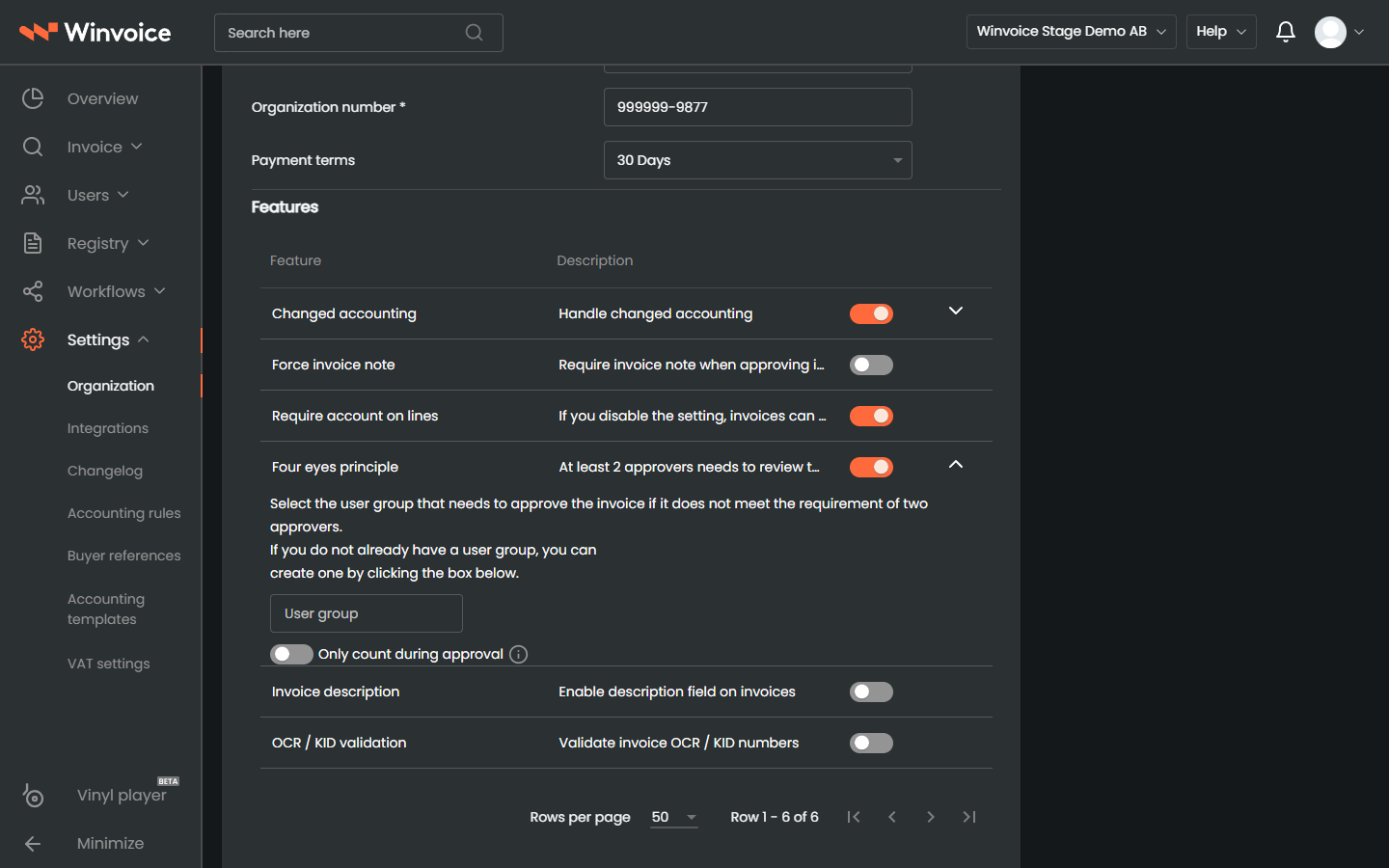
- Navigate to Settings → Organization.
- Scroll to the Four-Eyes Principle section and toggle the switch to active.
- Select the User Group responsible for reviewing and granting the secondary approval.
- You can choose an existing group (e.g., Finance Department or Lead Approvers).
- If an appropriate group does not exist, click Create New User Group to establish one immediately.
- Click Save.
3. Handling Intercepted Invoices
When an invoice is captured by the four-eyes verification rule:
- Clear Indicator: A distinctive notification badge appears on the invoice and in list views, indicating that a secondary four-eyes approval is required.
- Group Inbox: The invoice enters the active inbox of members belonging to the designated user group.
- Approval: Once any qualified member of the group reviews and approves the document, the four-eyes requirement is satisfied, releasing the invoice for final review or ERP export.
- Audit Trail: The intercept event and final approval are fully logged in the invoice activity history, detailing which user provided the required second authorization.