Searching for Deleted & Cancelled Invoices
In Winvoice, no invoice is ever purged without an immutable audit trail. If an invoice was cancelled mistakenly, or if an auditor requires an inspection of removed duplicates and rejected submissions, administrators can retrieve them at any time via Invoice Search.
1. Why Are Invoices Cancelled?
An invoice typically receives the Deleted status under the following conditions:
- Duplicates: The vendor delivered the invoice through multiple channels (e.g., both PDF email and Peppol/EDI).
- Incorrect Entity: The invoice belonged to another group company and was removed to be routed appropriately.
- Under Dispute / Withdrawn: The vendor retracted the invoice and issued a corrected document.
Even in deleted status, the entire invoice history remains intact, detailing who removed the file, the exact timestamp, and any provided justification.
2. Method 1: Include Deleted Invoices in General Search
The quickest way to query the entire invoice archive including cancelled items:
- Navigate to Invoice → Invoice Search.
- Toggle the Include deleted invoices switch at the top of the search card.
- Specify search criteria (such as vendor, amount, or date range) and click Search.
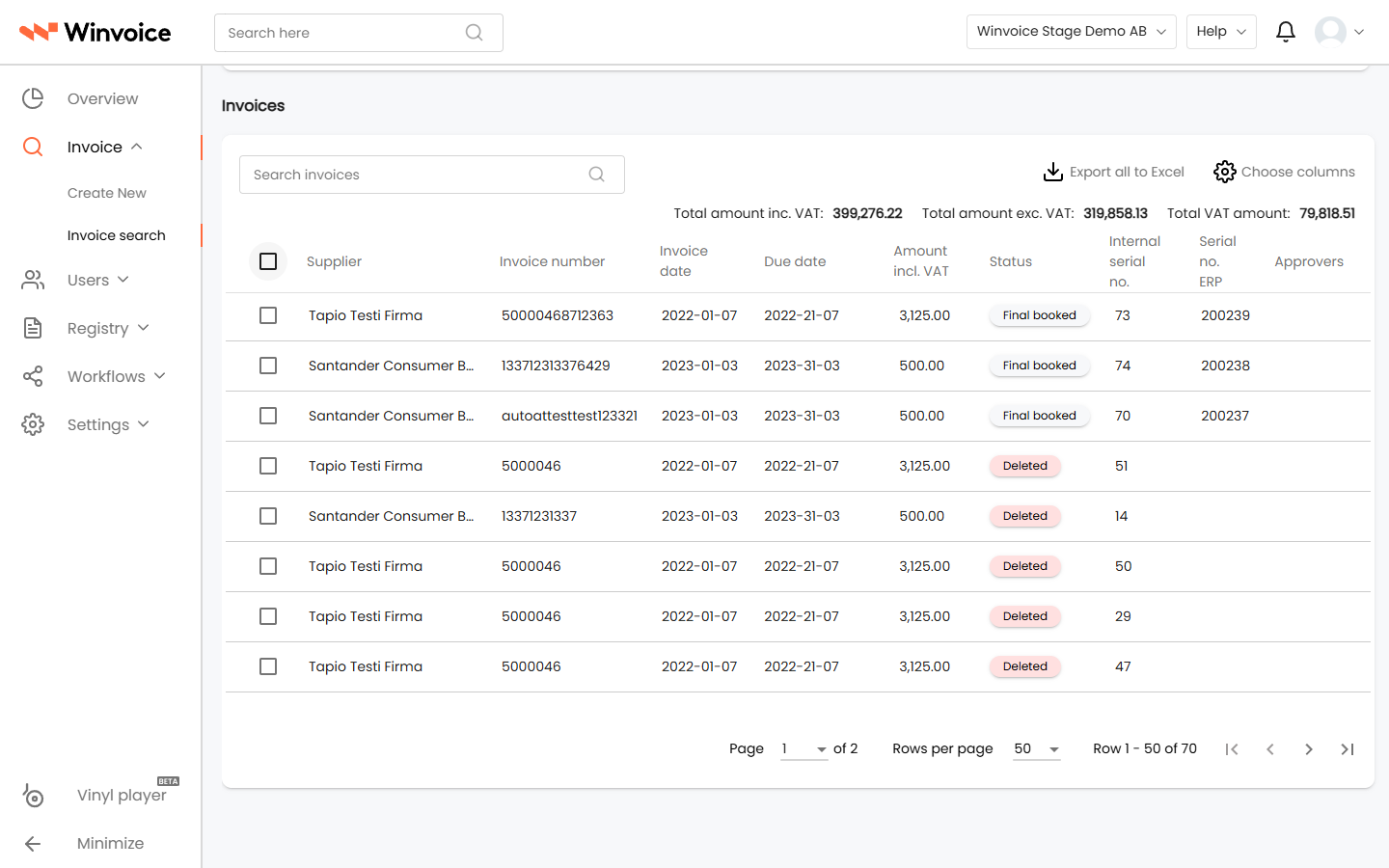
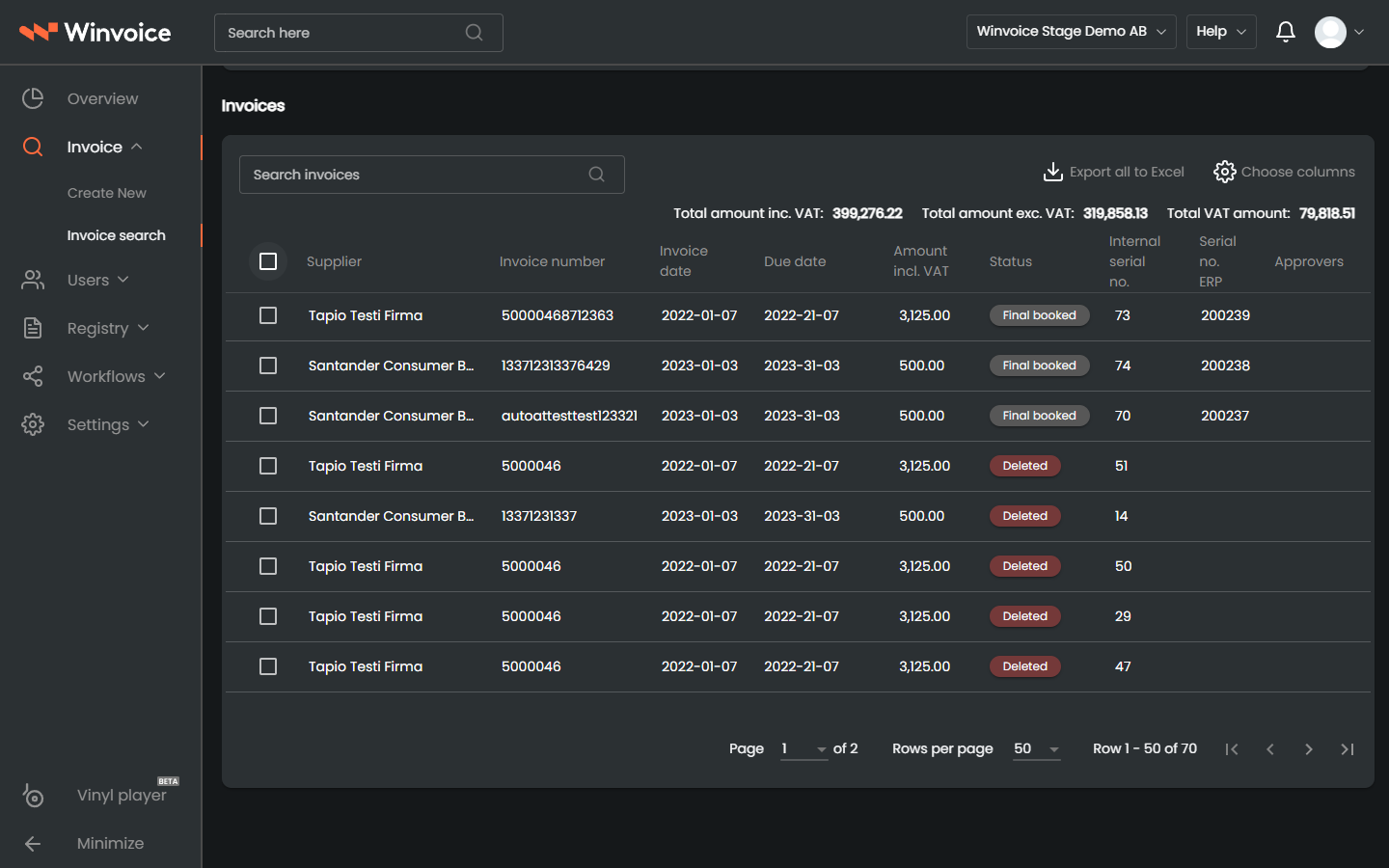
- In the results table, cancelled records appear with a distinctive red badge labeled Deleted.
3. Method 2: Filter Exclusively for Deleted Invoices
When auditing all cancelled invoices across a specific reporting period or company:
- Navigate to Invoice → Invoice Search.
- Click Customize search parameters and ensure the Specific status field is visible.
- In the Specific status dropdown, select Deleted.
- Click Search. The table strictly presents invoices that have been cancelled.
4. Reviewing and Restoring a Cancelled Invoice
When clicking a deleted invoice from the search results:
- Read-Only Inspection: The record opens in a protected state where you can inspect the invoice image, distributions, and event timeline.
- Audit Trail: Under the Invoice Log section, view who triggered cancellation and when.
- Restoration: If an invoice was cancelled unintentionally, an invoice administrator can open the tools menu (wrench) and select Restore Invoice to return it to active workflow.