The Tagging Feature in Winvoice
Tags in Winvoice offer a flexible and visual way to categorize, flag, and route documents across the platform. With custom color-coded labels and built-in system constraints, you can easily mark invoices requiring special attention, halt unauthorized disbursements, or restrict viewing permissions on sensitive purchases.
1. Three Tiers of Tags
Winvoice supports three distinct categories of tags depending on where they are applied:
- Invoice Tags: Applied to individual supplier invoices to govern approval workflows, engage payment holds, or flag items for investigation.
- Supplier Tags: Attached to specific vendors within the supplier registry to automatically label all future invoices received from that vendor.
- Organization Tags: Assigned to companies and business entities to group, filter, and identify subsidiaries in multi-company overviews and group views.
2. Invoice Tags & Functional Properties
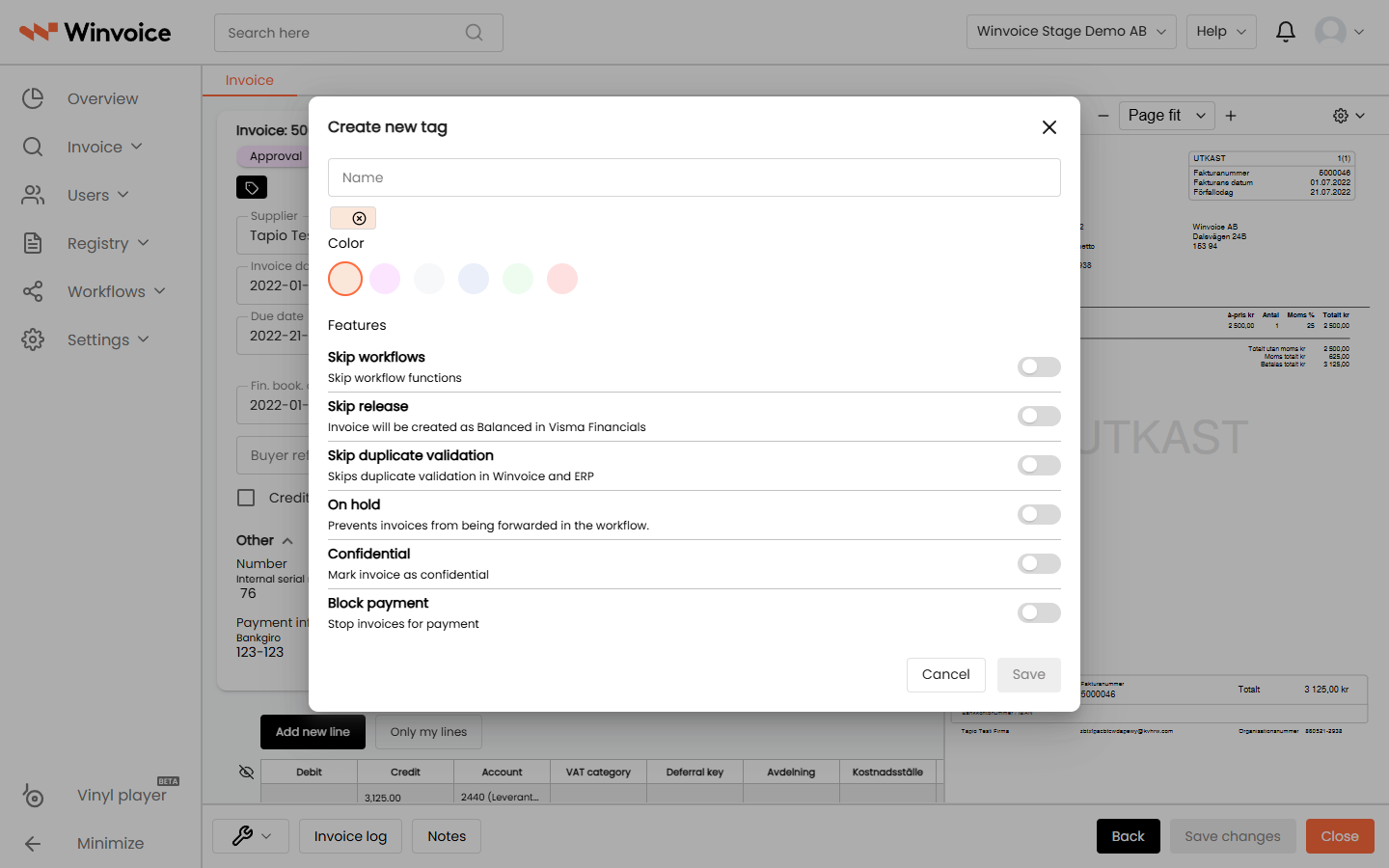
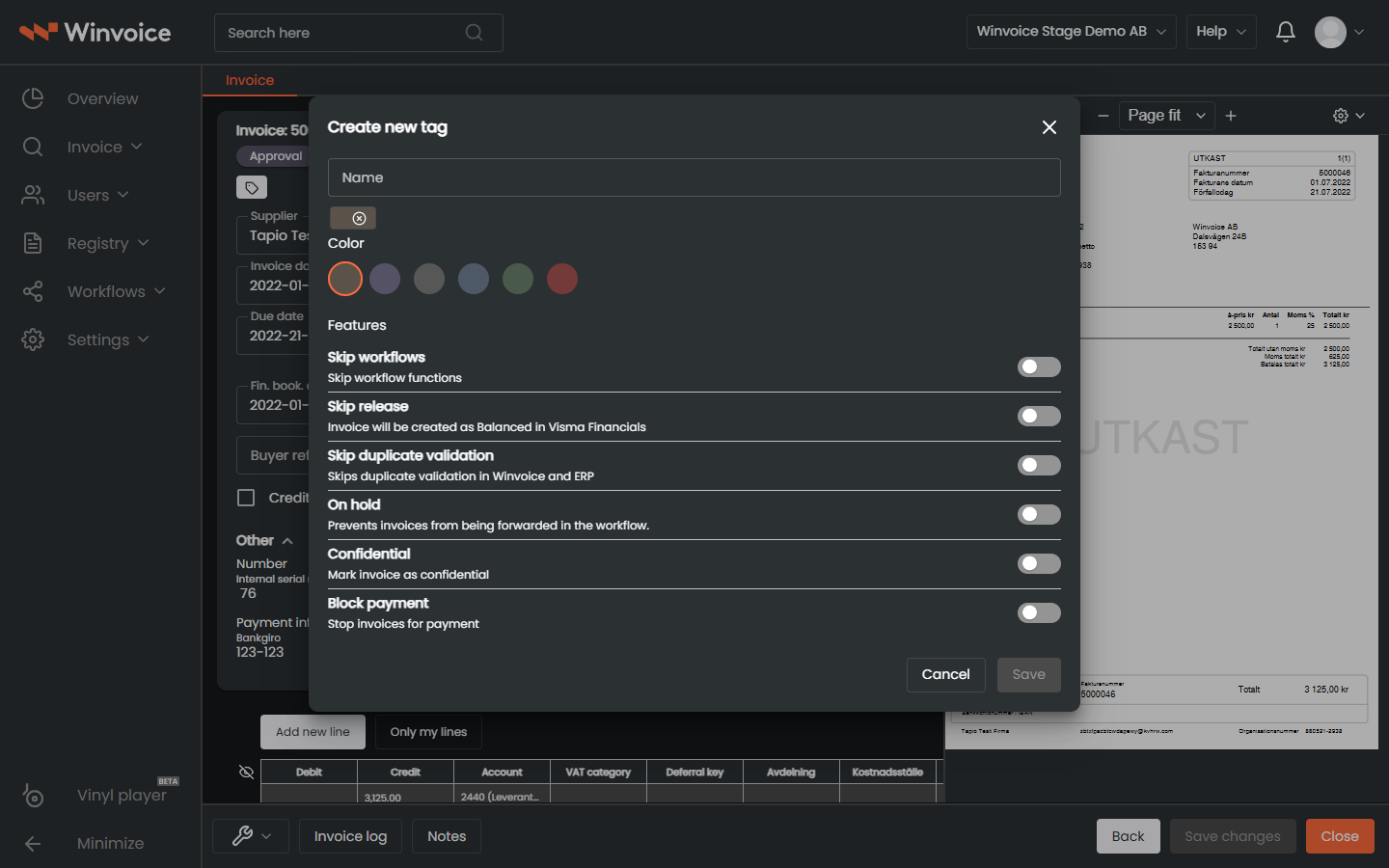
On any invoice page, click the tag icon located in the upper left header. From there, you can apply existing tags or click Create New Tag.
Each invoice tag is assigned a name and a color palette, and can be configured with powerful system behaviors:
- Payment Hold: Invoices bearing this tag are blocked from payment processing and export to banking files in the ERP system. Ideal when awaiting a credit note or resolving a delivery dispute.
- Under Investigation: Pauses the invoice and prevents it from advancing down the approval chain until an administrator removes the tag.
- Skip Workflows: Exempts the invoice from automatic incoming workflows and approval routing, enabling manual intervention.
- Confidential: Restricts document visibility, hiding the invoice and its attachments from standard approvers. Only users with dedicated confidential permissions can search, open, or approve the record.
3. Supplier Tags & Organization Tags
Supplier Tags
Managed under Registers → Suppliers → [Select Supplier].
- Supplier-level tags are organization-specific.
- Commonly utilized to distinguish preferred partners, contracted vendors, or high-scrutiny suppliers.
Organization Tags
Managed under Settings → Organization.
- Displayed in the company selector dropdown and in group entity lists.
- Empowers group administrators to filter and segment subsidiaries by territory, division, or legal structure.
4. Bulk Operations & Filtering by Tag
- Bulk Actions in Lists: Select multiple invoices in any invoice list or search result, then choose Apply Tags from the bulk actions menu to update dozens of records simultaneously.
- Filter in Invoice Search: Under Invoice Search, add the Tags parameter to instantly query all invoices subject to payment holds, confidential flags, or internal project markers.