Overview & Dashboard
Complete guide for the overview in Winvoice: personal approval queue (Invoices to handle), interactive invoice pipeline, and key performance metrics.
Home View – Your Personal Cockpit in Winvoice
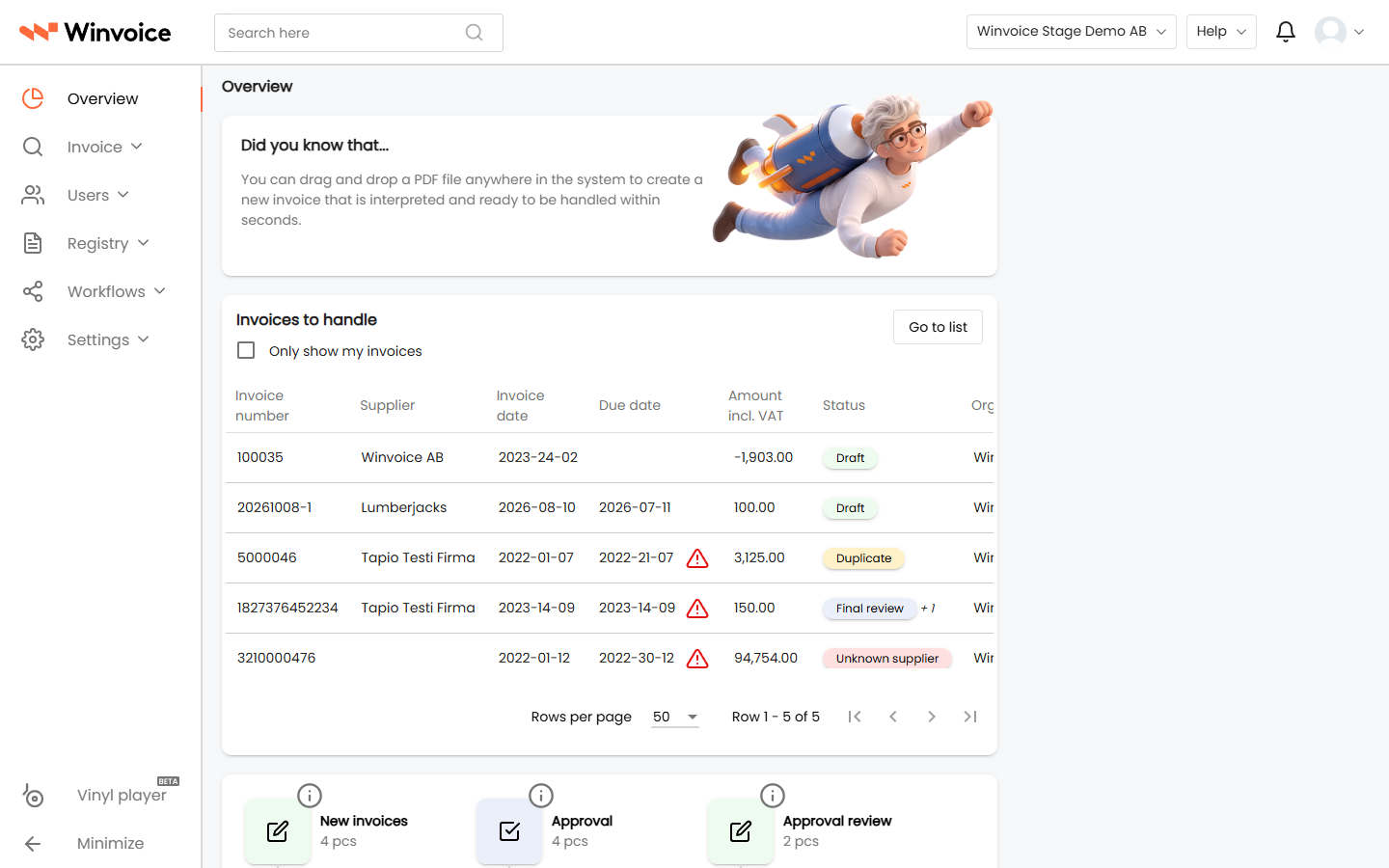
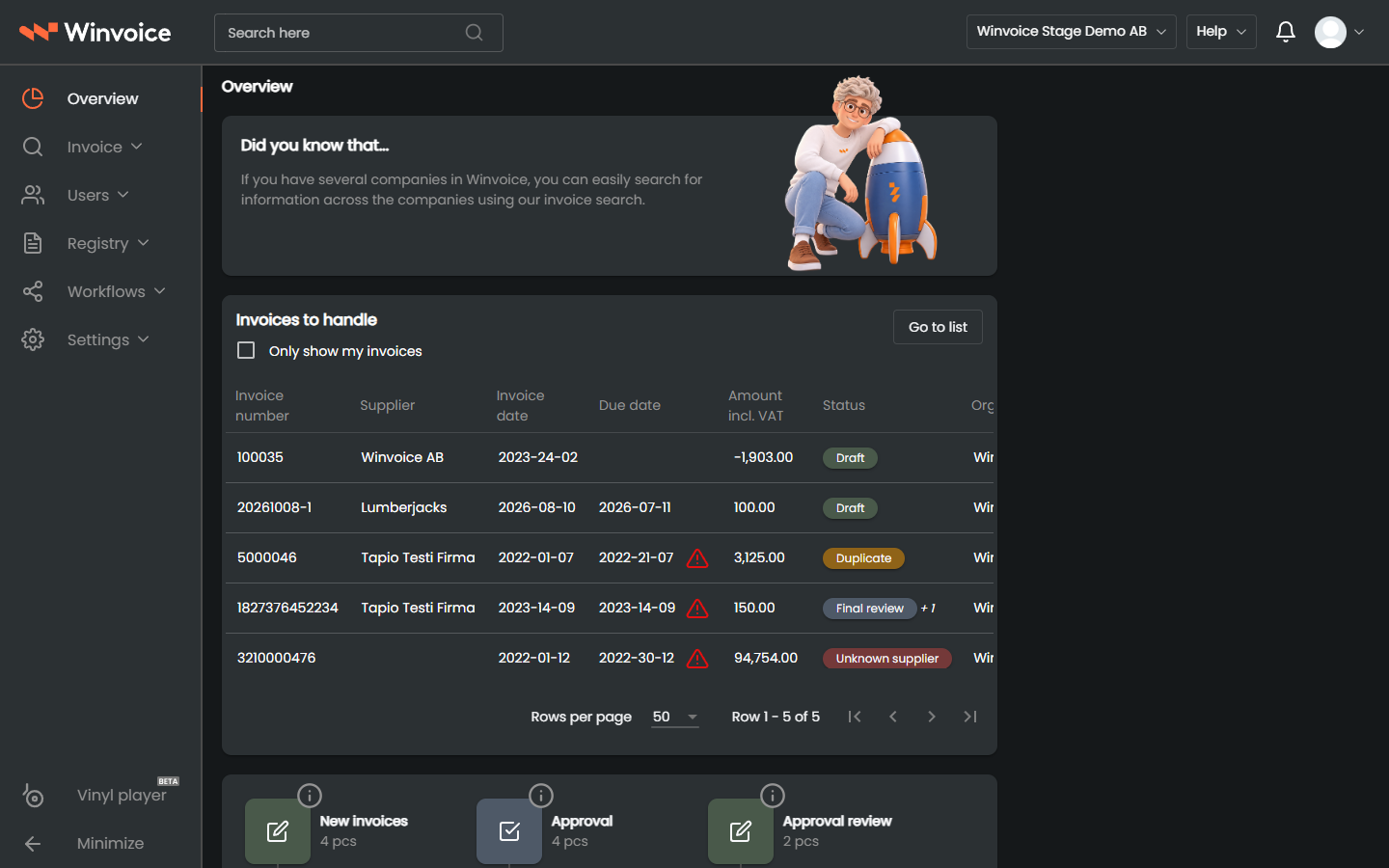
The overview in Winvoice is designed to give both finance personnel and invoice approvers an immediate snapshot of current invoice status and personal tasks. Upon signing in, you are greeted with a consolidated dashboard connected directly to your organization's ERP system in real time.
1. Invoices to Handle (Personal Approval Queue)
The Invoices to handle card highlights the supplier invoices that require your immediate action:
- Show only mine: Users with administrative roles can easily toggle between all active invoices across the company or only invoices where they are assigned as the active approver or reviewer.
- Quick summary in the list:
- Supplier: Supplier name and corporate registration number.
- Invoice Number: The invoice's unique identifier.
- Due Date: Color-coded to alert you to overdue or approaching deadlines.
- Approved / Total Amount: Indicates what portion of the total amount has already been approved by earlier steps in the workflow.
- Status: Current phase in the workflow (e.g. In Approval, Final Review, Pending Completion).
- Direct Navigation: Click any row in the list to open the split invoice viewer and approve, code, or reject with a single click.
- Go to List: Click the Go to invoice list button to open the full invoice search with all filters and custom columns enabled.
2. Interactive Invoice Pipeline (Overview Flow)
For users with administrator permissions (invoice admins and finance managers), the overview displays an interactive pipeline visualizing the complete flow of invoices across the organization:
- Incoming Invoices:
- Invoices newly arrived via e-invoicing (Peppol, EDI) or email capture.
- Shows invoices undergoing OCR interpretation, interpreted invoices ready for review, and capture errors needing attention.
- In Approval:
- Invoices routed to approvers and department heads according to Approval Workflows and Automatic Workflows.
- Displays invoice counts awaiting first approval, secondary approval, or substitute handling.
- Final Review:
- Invoices where all approvers have approved their lines, awaiting final finance review via Review Workflows or the Four Eyes Principle.
- Posted & Completed:
- Invoices exported to the ERP (Fortnox, Visma.net, Business NXT, etc.) as vouchers or supplier invoices awaiting payment.
All counts and status nodes in the pipeline are interactive. Clicking Final Review (12) opens the invoice list pre-filtered to show exactly those invoices awaiting final review.
3. Key Metrics & Analytics
Below the pipeline, Winvoice provides graphical analytics helping finance teams track efficiency, costs, and processing times:
- Processing Times:
- Displays the average turnaround time from invoice arrival in Winvoice until final approval and posting.
- Pinpoints organizational bottlenecks where invoices tend to stall.
- Supplier Analysis:
- Bar and pie charts ranking the month's or year's highest-spend suppliers.
- Enables fast identification of unusual cost surges or volume anomalies.
- Expense Breakdown by Dimension:
- Visualizes cost allocation across account classes, cost centers, and projects.