Purchase Receipts, Goods Inwards & Line Matching
For companies managing inventory, manufacturing operations, or substantial procurement volumes, matching an invoice solely against a purchase order is often insufficient — finance teams must verify that goods were physically received, inspected, and booked into the warehouse.
In Winvoice, this process is known as Purchase Receipt Matching (Three-Way Matching). This guide details how the automated workflow connects purchase orders, goods receipts, and supplier invoices.
1. What Is the Difference Between a Purchase Order and a Purchase Receipt?
- Purchase Order (
Purchase Order): The procurement contract or purchase order sent to the supplier (what was ordered and at what price). - Purchase Receipt (
Purchase Receipt): The physical goods arrival verified and received into warehouse stock (what was actually received and in what condition). - Supplier Invoice: The payment claim submitted by the supplier.
By matching the invoice directly against the Purchase Receipt, your organization is protected against paying for backordered, damaged, or unfulfilled deliveries.
2. The Purchase Receipts Tab in the Invoice View
When your organization's ERP integration supports warehouse and receipt modules (e.g. Visma.net, Visma Administration, or ERPs with inventory management), the Purchase Receipts / Goods Inwards tab is activated automatically in the split invoice view:
- Open the invoice. A dedicated Purchase Receipts tab appears in the header tab menu.
- Winvoice automatically locates open purchase receipts and purchase orders associated with that supplier.
- The system compares the parsed line items, article/part numbers, and quantities against the corresponding receipt lines.
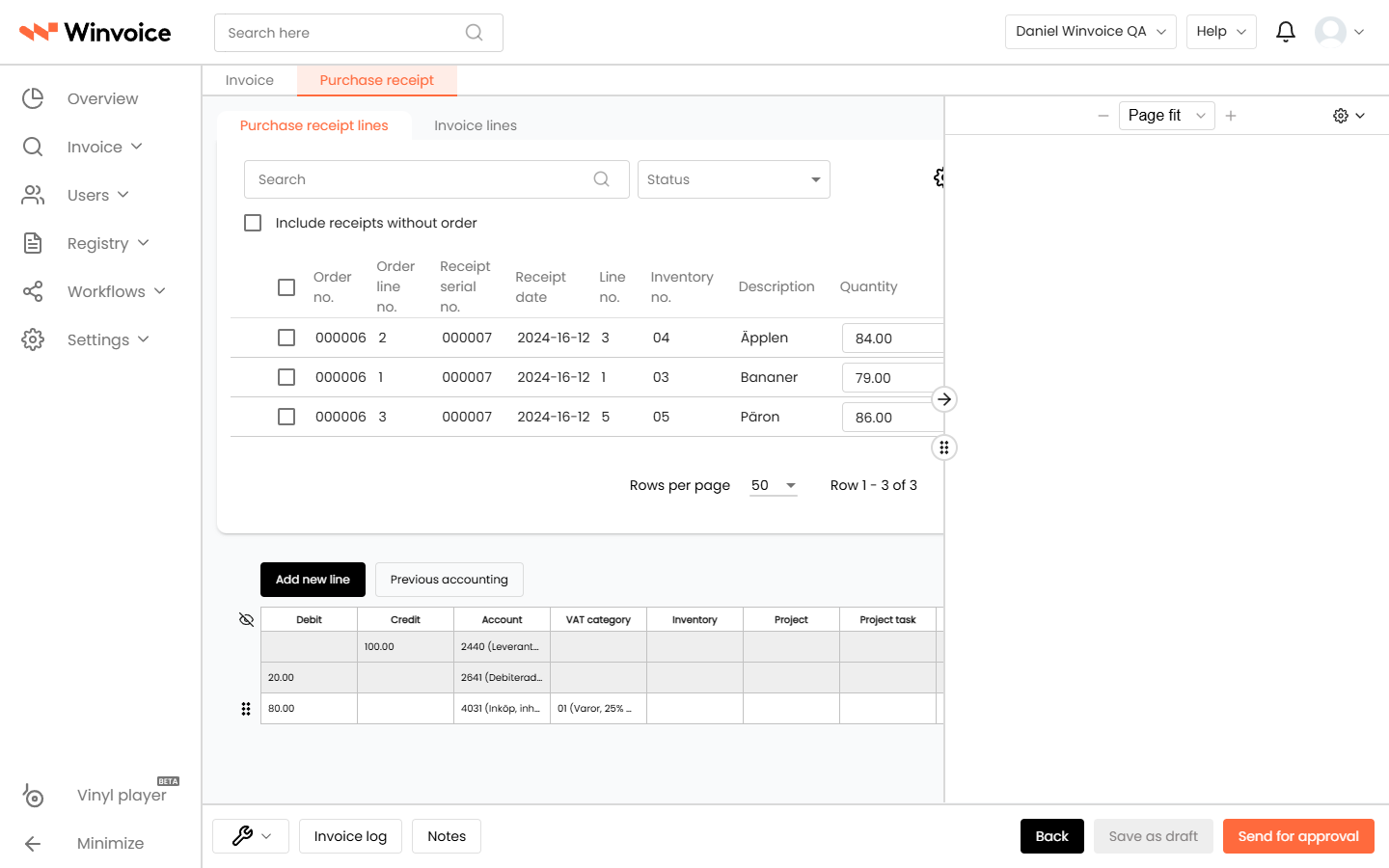
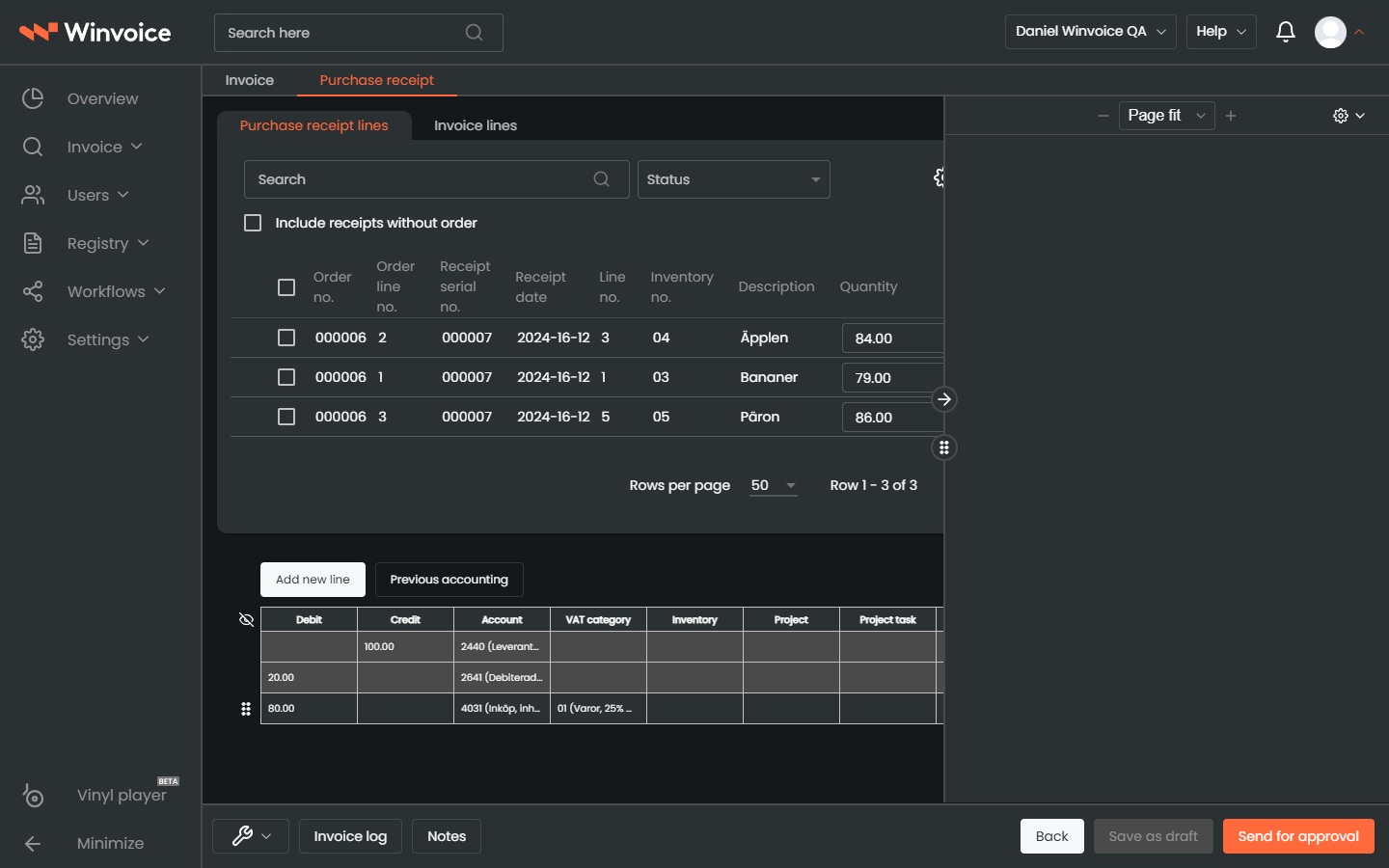
3. Line-Level Matching & Discrepancy Management
When a purchase receipt is linked to an invoice, Winvoice performs an automated line-by-line comparison:
Status Indicators:
- 🟢 Green (Exact Match): Quantities and unit prices match between the invoice and the purchase receipt. Lines are validated automatically.
- 🟡 Yellow (Within Tolerance): A minor variance exists (e.g. freight surcharges, packaging, or rounding) that falls within the organization's approved tolerance threshold.
- 🔴 Red (Discrepancy / Variance):
- Price Variance: The invoiced unit price exceeds the agreed purchase order price.
- Quantity Variance: The invoice bills for more units than were confirmed as received at the warehouse.
Resolving Red Discrepancies:
- Click the flagged line item to open the Discrepancy Dialog.
- Available actions include:
- Split Line: Post the confirmed received quantity against the purchase receipt and split the remaining balance into an open discrepancy line.
- Route for Approval: Send a targeted discrepancy review request directly to the responsible purchasing agent or buyer.
- Hold Invoice ("On Hold"): Place the invoice on payment hold until the supplier issues a credit note for the unfulfilled balance.
4. Inventory Items, Warehouse & Units of Measure (Inventory & UoM)
To ensure line matching operates with maximum accuracy, Winvoice synchronizes the necessary master registers:
- Item Register (
Registers -> Items / Inventory): Stores article/part numbers, item descriptions, and default purchase expense accounts. - Units of Measure (
Registers -> Units / Units of Measure): Handles unit conversions such as pieces (pcs), hours (hrs), kilograms (kg), or packages (pkg). The engine understands if a supplier bills in cases while the warehouse receives in individual pieces.
With proper configuration, recurring purchase order and inventory invoices can achieve touchless straight-through processing from arrival to final posting!