Cost Deferrals, VAT Management & Currencies
Accurate accounting for deferred expenses, value-added tax (VAT), and foreign currencies is critical to maintaining clean monthly closes and eliminating manual reconciliations in your ERP system.
This guide explains how deferral codes, VAT configuration, and multi-currency processing operate within Winvoice.
1. Cost Deferrals & Deferral Codes
When an organization incurs an expense spanning an extended time period (such as annual software licenses, insurance policies, or commercial facility rent), the expense should be recognized evenly across the affected accounting periods.
How It Works in Winvoice:
- Synchronization from ERP: Deferral codes configured in your ERP (e.g. Visma, Fortnox) are automatically synchronized to Winvoice under Registers → Deferral Codes.
- Assigning Deferral to Accounting Lines:
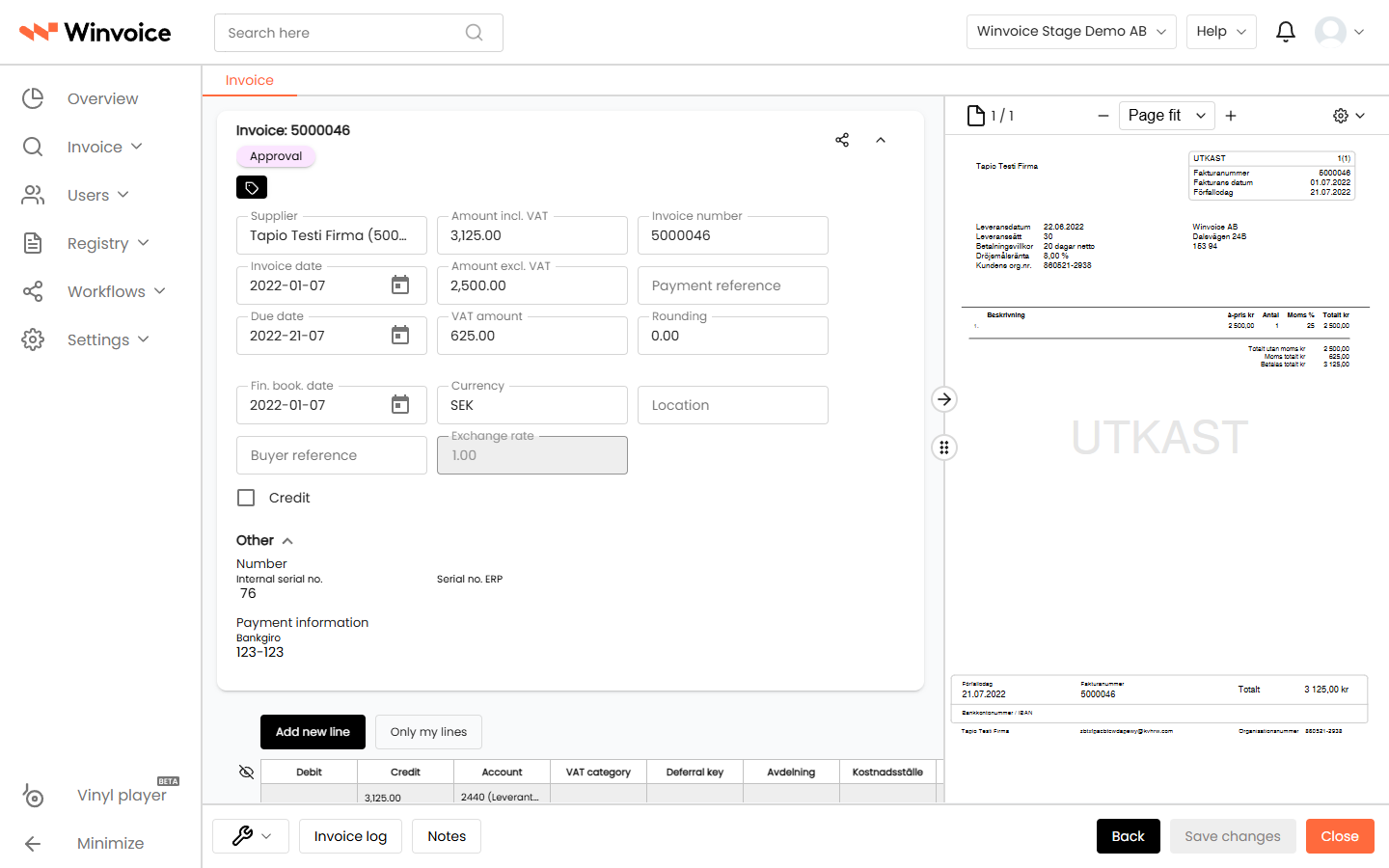
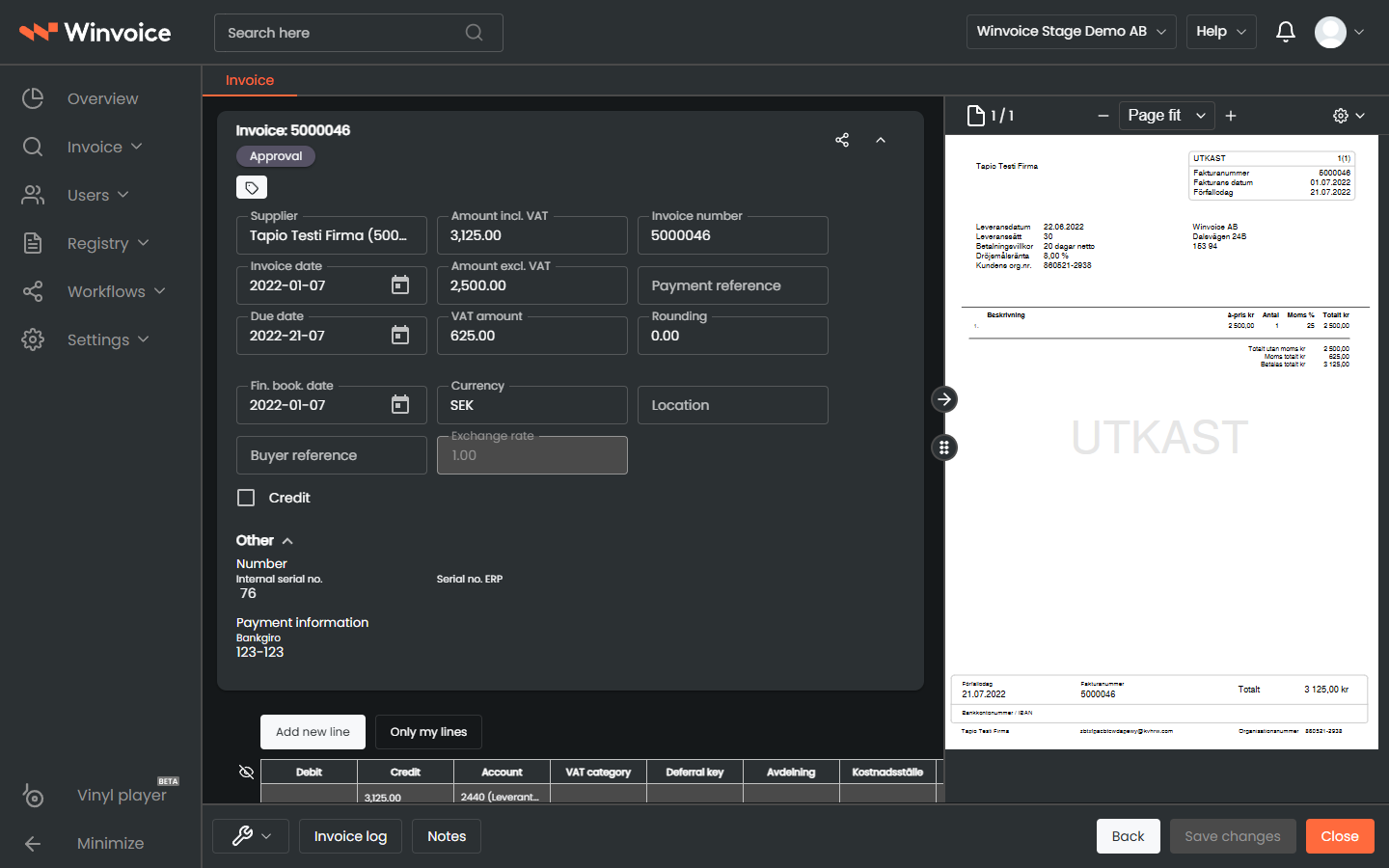
- Open the invoice and navigate to the accounting lines table.
- Select the desired deferral code in the Deferral column (e.g. "12-Month Straight-Line" or "Quarterly").
- Specify the start period (e.g.
2026-01).
- Automated General Ledger Posting:
- Upon final posting to your ERP system, Winvoice automatically generates the underlying deferral schedules based on your ERP's native rules.
- The cost is debited to the designated prepaid expenses account (e.g. account
1790 - Prepaid Expenses) and subsequently amortized month-by-month in the general ledger.
Automated Assignment via Coding Rules:
You can also configure a Coding Rule to automatically attach a specific deferral code whenever a designated supplier or expense account (e.g. IT subscriptions) is coded.
2. VAT Management & Tax Settings
Winvoice manages VAT on multiple tiers: automatic rate calculations, VAT code mapping, and exception workflows.
Default Organization VAT Accounts:
Under Settings → Organization → Default Accounts & VAT, configure baseline tax values:
- Input VAT Account: Default general ledger account for domestic input VAT (commonly
2641or2640). - Default VAT Rate: The baseline tax percentage applied to new entries (typically 25%).
- Rounding Account: Account for rounding discrepancies (e.g.
3740) capturing minor fractional differences between supplier calculations and system totals.
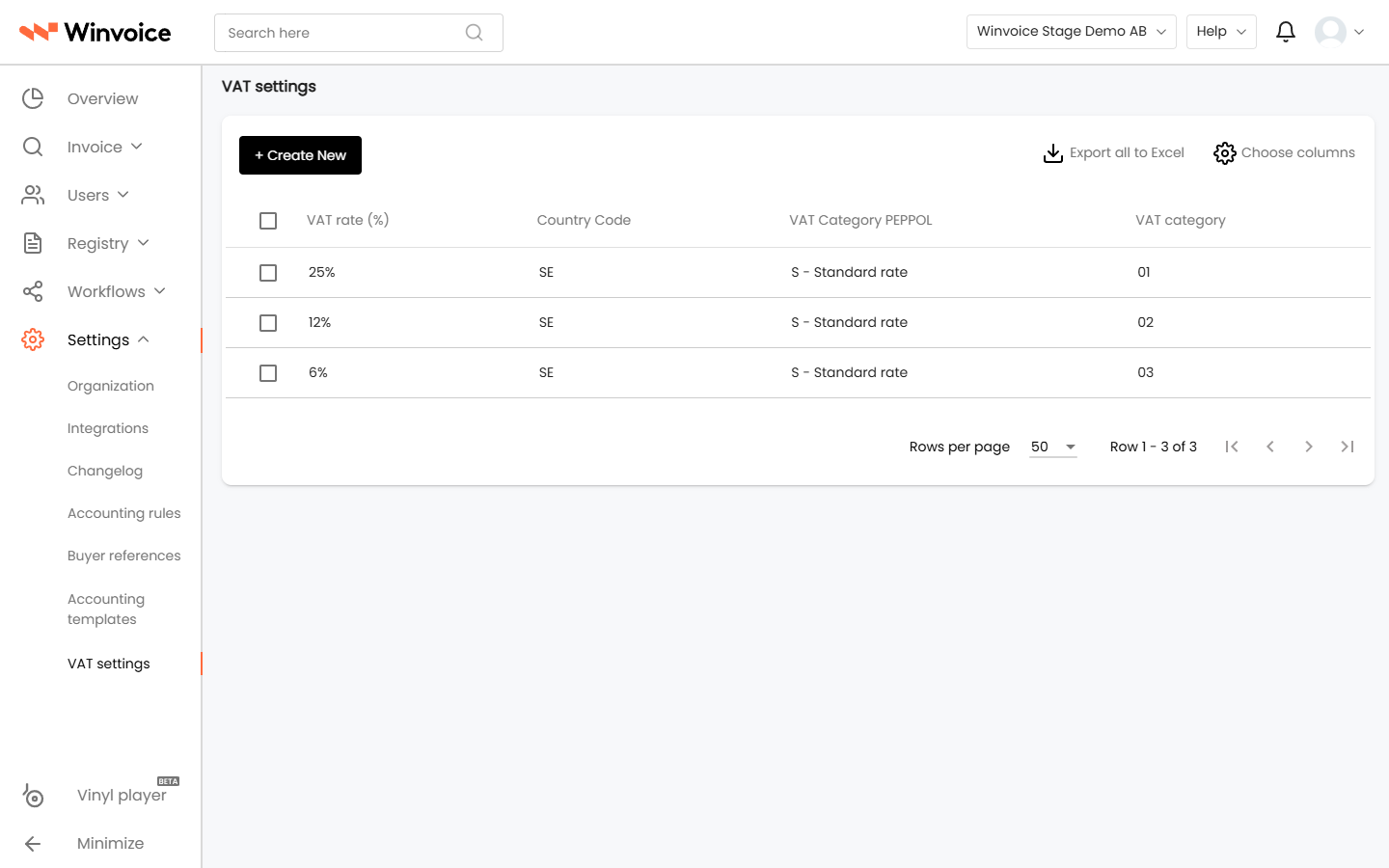
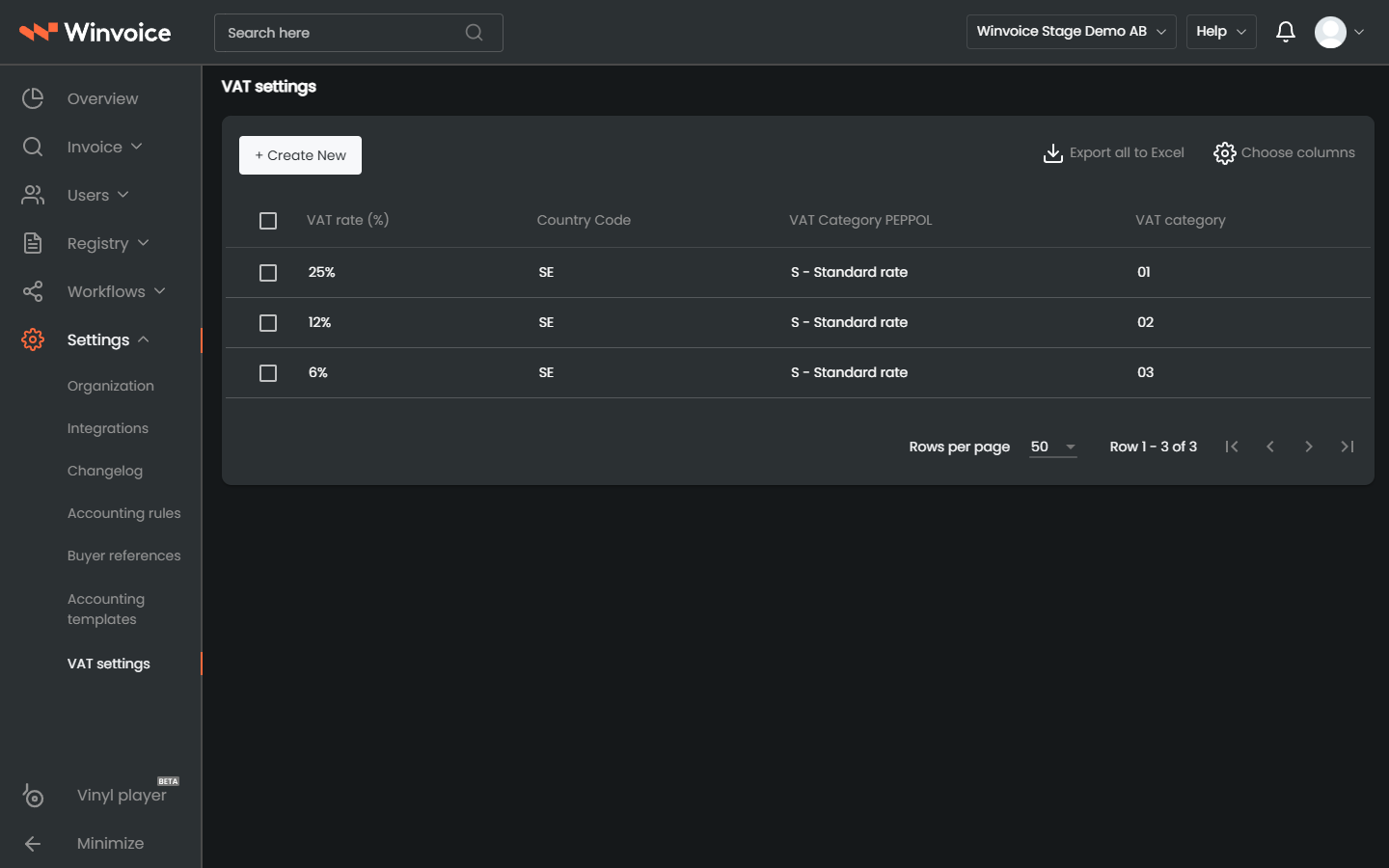
Specialized Tax Settings (Settings → VAT):
For complex scenarios, specialized VAT rules can be defined:
- VAT-Exempt Suppliers: For vendors without active VAT registration (e.g. non-profits, healthcare providers, or individuals). Invoices from these vendors are automatically defaulted to 0% VAT.
- Reverse Charge (Construction Sector VAT): For construction industry invoices where the buyer is liable for tax. Lines are coded with 0% VAT and routed to the corresponding reverse charge tax code in the ERP.
- EU VAT & Import Tax: Automatic identification of foreign VAT IDs and proper routing for acquisition tax and reverse charge accounting.
3. Multi-Currency Processing & Foreign Invoices
When an invoice is received in a foreign currency (e.g. EUR, USD, NOK):
- Currency Detection: The parsing engine automatically detects the invoice currency and currency-denominated total.
- Exchange Rate Retrieval: Winvoice pulls the current exchange rate from your ERP system or active currency register.
- User Interface Display:
- The invoice view displays both the original foreign currency amount and the converted equivalent in your organization's base currency (e.g. SEK).
- Accounting lines are validated and balanced in both the transaction currency and the base currency.
- Export to ERP: Invoices are exported with both the foreign transaction amount and the converted base amount, ensuring that any realized foreign exchange gains or losses upon payment settlement are properly recorded by the ERP's accounts payable ledger.
If a transaction currency is missing or rejected, navigate to Registers → Currencies to verify that the currency is enabled and has a valid exchange rate configured.