Reports, Key Metrics & Audit Trail
Winvoice continuously gathers operational metrics across the invoice lifecycle. These insights provide CFOs and administrators with full visibility into lead times, vendor expenditure trends, and governance compliance ahead of monthly closings and external audits.
This guide outlines your organization's analytics dashboards, immutable audit trails, and data export capabilities.
1. Key Metrics & Analytics Dashboards
Within the reports and analytics section, you have access to real-time interactive charts highlighting process efficiency and cost breakdowns:
Lead Times & Processing Durations
Visualizes average invoice residence times across stages:
- Ingestion to First Approval: Measures how promptly incoming invoices are interpreted and dispatched into workflow.
- Average Processing Time per User & Department: Identifies bottlenecks across departments, facilitating timely substitute setup or reminder schedule adjustments.
- Approval to Final Posting: Measures turnaround time between final approval and definitive posting to the ERP system.
Vendor Costs & Expense Analysis
- Volume per Vendor: Summarizes total spend and invoice volume per vendor over any designated period.
- Top Vendors & Trends: Spot your organization's largest suppliers and compare monthly expense patterns over time.
Expense Allocation by Dimension & Account
- Breaks down costs across general ledger accounts, cost centers, and projects, streamlining budget oversight and accrual accounting.
2. Complete Audit Trail
For auditors and compliance officers, verifying that invoices were processed strictly according to authorization policies without unauthorized tampering is critical.
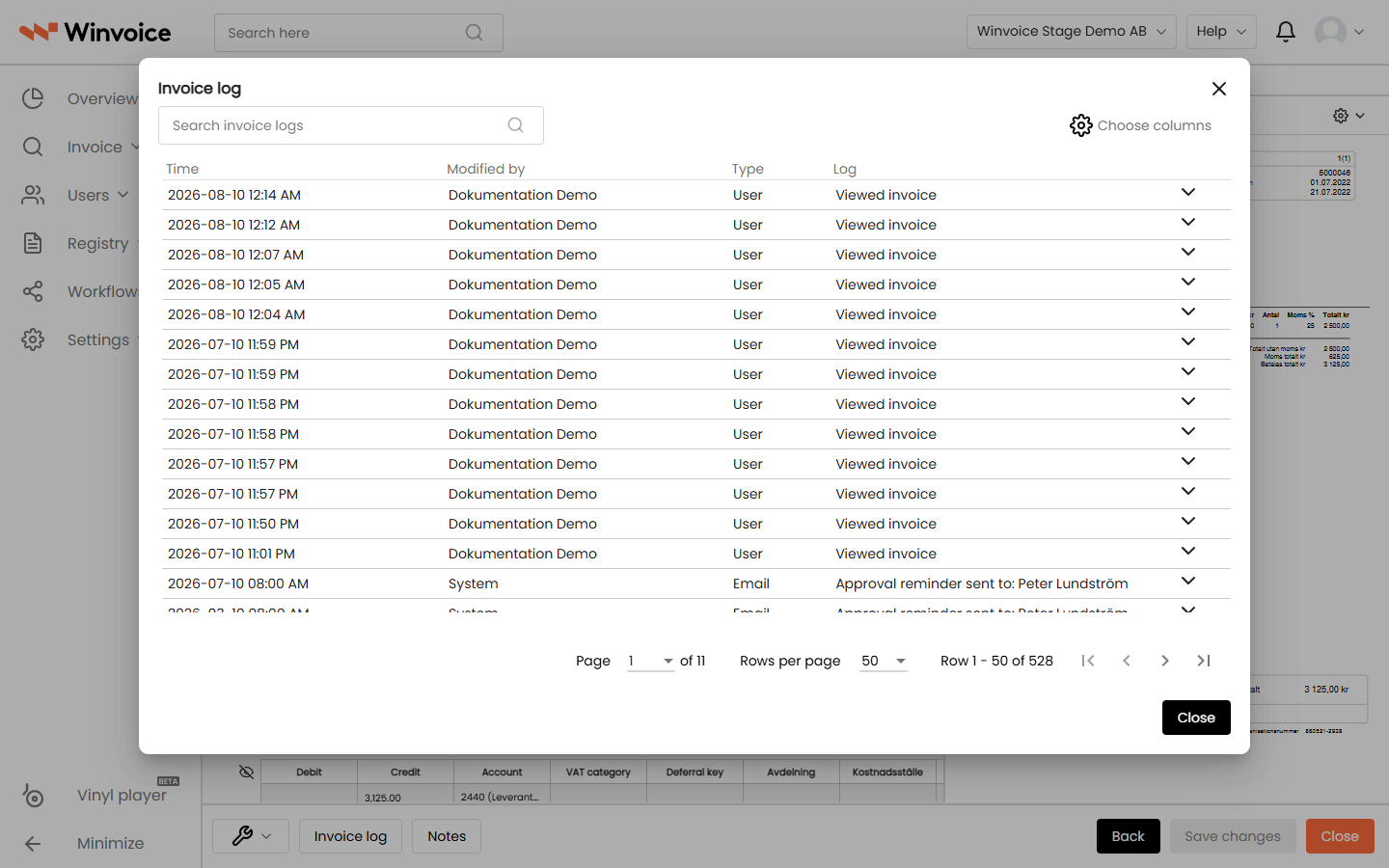
Every invoice in Winvoice maintains a complete, immutable Activity Log:
- Ingestion: Exact timestamp for invoice arrival, OCR interpretation, and document pairing.
- Workflow Routing: Which approval workflow or rule set was applied and who triggered release.
- Accounting Adjustments: Every distribution line modification (account, offset, VAT, project, amounts) recording author, timestamp, previous value, and new value.
- Approval Sign-Offs: Each authorization and signature is recorded with exact timestamp and user context (including annotations if approved via a substitute or the four-eyes rule).
- Rejections: Justification notes and timestamps if an invoice was rejected or routed for clarification.
- ERP Integration: Acknowledgement receipt for preliminary and definitive posting along with the ERP voucher number.
Inspecting and Filtering the Log
- Open any invoice and scroll down to the Invoice Log section.
- Use the search field to locate specific events or amounts.
- Filter by event category (e.g., Accounting changes only or Approvals only).
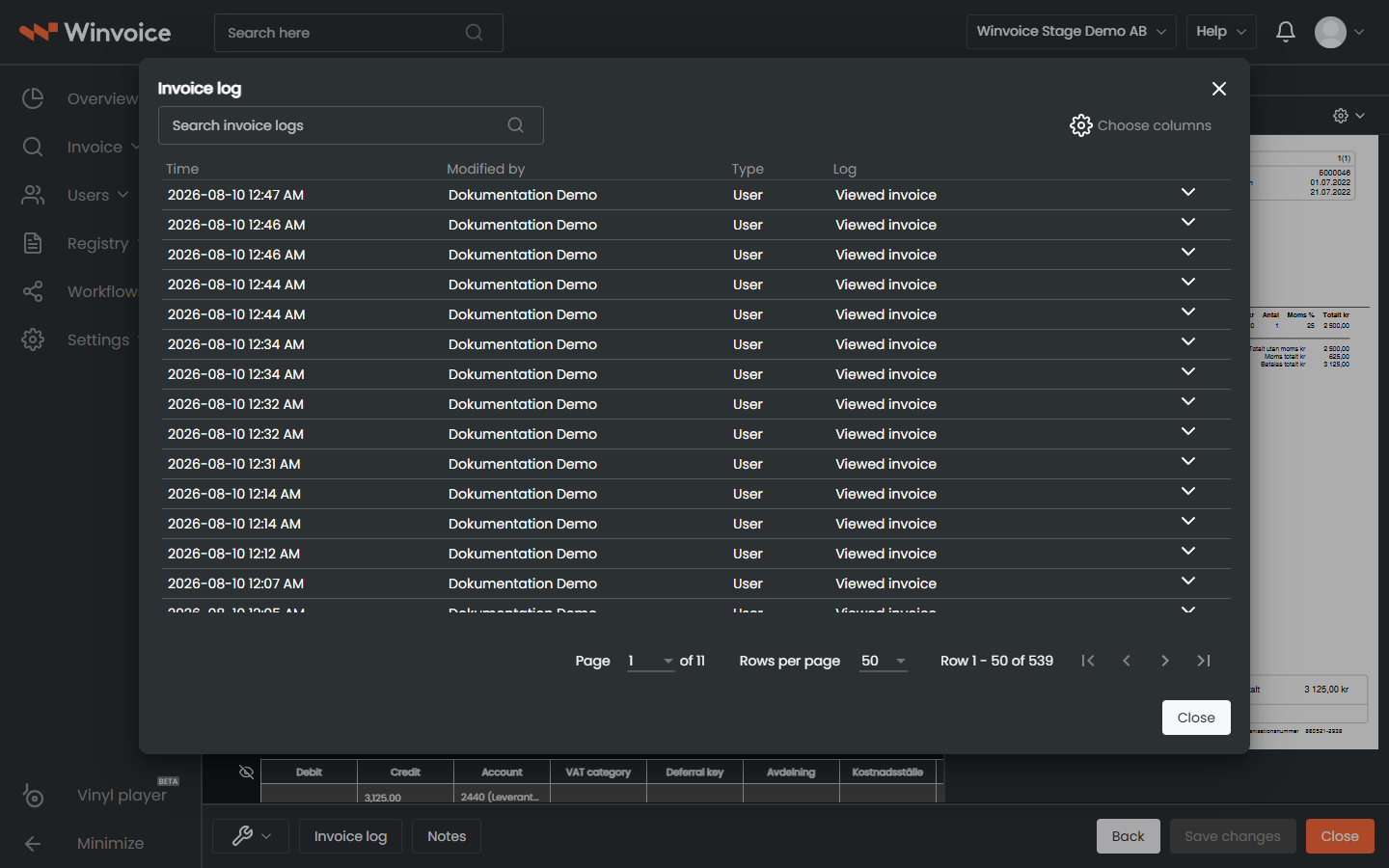
- Click the row chevron to expand detailed change trees.
3. Data Export to Excel for Period-End & Audit
When compiling audit samples, preparing monthly reporting, or conducting reconciliation:
- Navigate to Invoice → Invoice Search.
- Filter the desired dataset (e.g., invoices booked during the fiscal year, or invoices with status Ready for final posting).
- Select the required records or check the table header box to select all items.
- Choose Export to Excel from the bulk actions menu.
- The downloaded file preserves active filters and custom column sorting, containing:
- Header information (invoice number, supplier, dates, gross/net amounts, VAT, OCR).
- Accounting lines (accounts, VAT codes, projects, cost centers, amounts).
- Approval trail including approver names and timestamped completion dates.